Ordering your cabinet doors is simple once you know the steps.
Follow this guide to move through the process with confidence, know your measurements before getting started, and get exactly what your project needs.
Step 1:
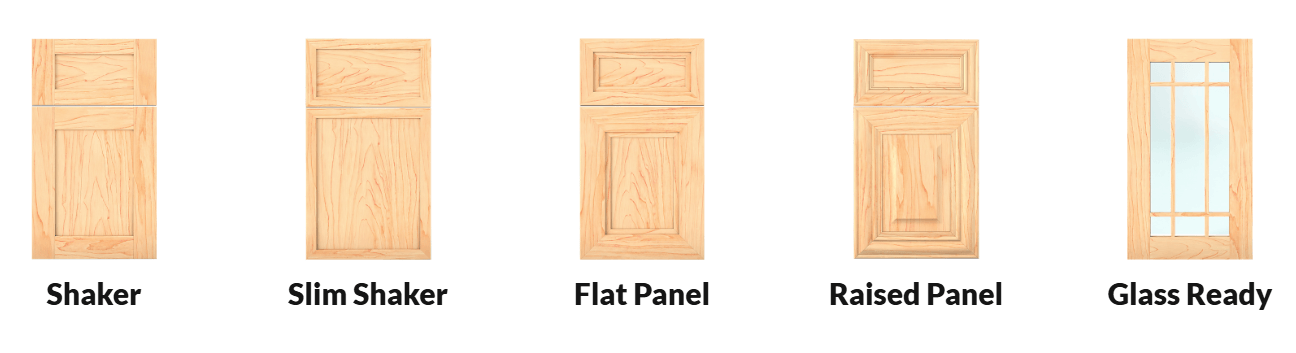
Choose Your Door Style
Browse our product categories and select the style that fits your space.
Note: Shaker styles are a reliable starting point for most projects.
Step 2:
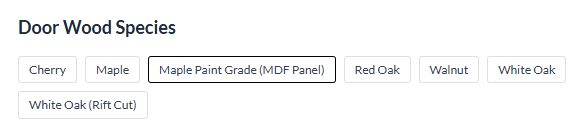
Select Your Wood Type
Choose the wood species based on your desired finish and overall look.
Note: Maple mdf is the best option for painted finishes
Step 3:
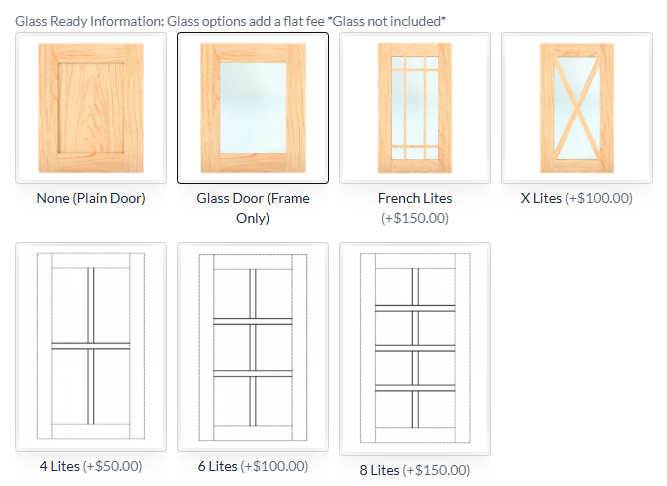
Choose Your Door Configuration
Depending on the style, you may have options such as solid panels or glass-ready designs. Select the configuration that fits your cabinet layout.
Note: Glass-ready doors are a great option for upper cabinets or display areas. Keep in mind that glass is not included.
Step 4:
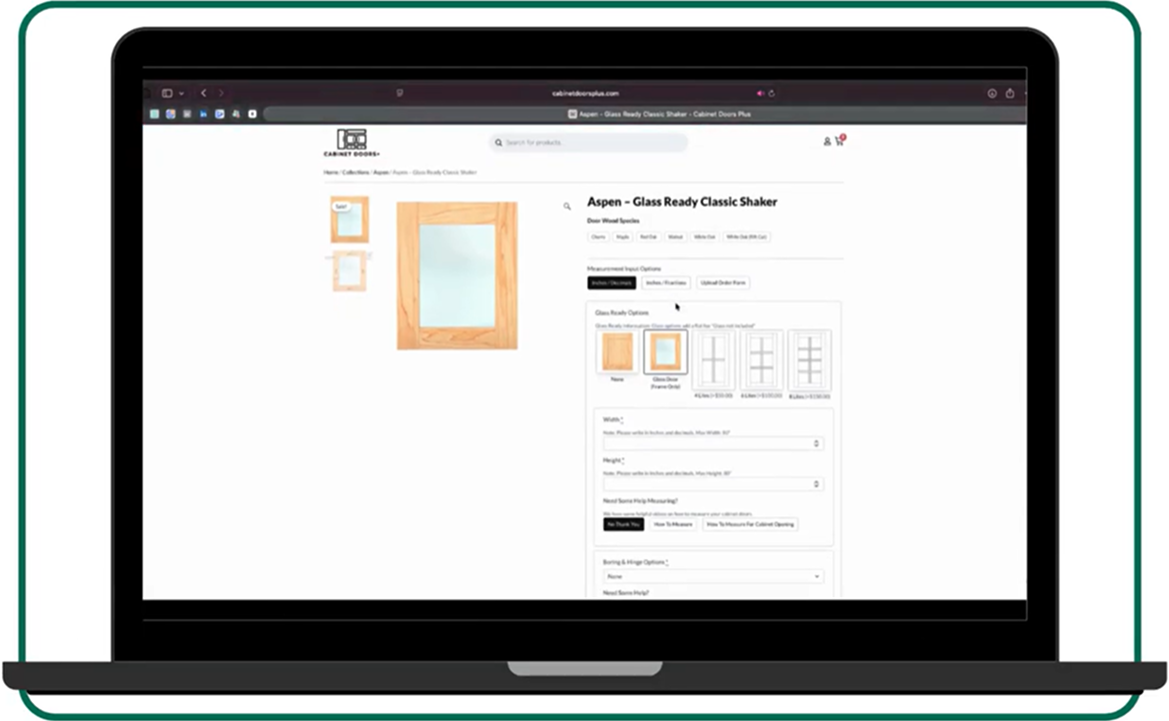
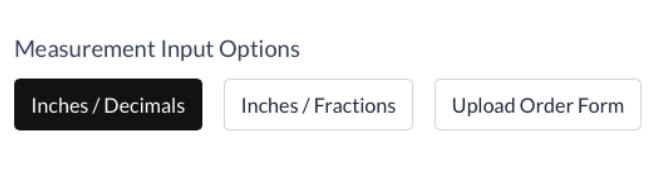
Choose How You Want to Input
Measurements
You can enter your measurements in inches and decimals, inches and fractions, or upload an order form if you already have your dimensions prepared.
Step 5:
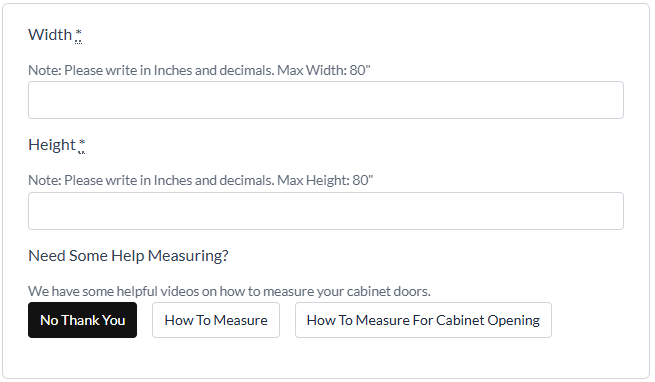
Enter Your Measurements
Now it is time to input your cabinet door dimensions. Enter your width and height carefully to ensure a proper fit.
If you need help measuring, you will see built-in guides directly on this page. These include step-by-step instructions and videos to walk you through the process.
Note: Accurate measurements are the most important part of your order. Take your time here and double check before moving forward.
Step 6:
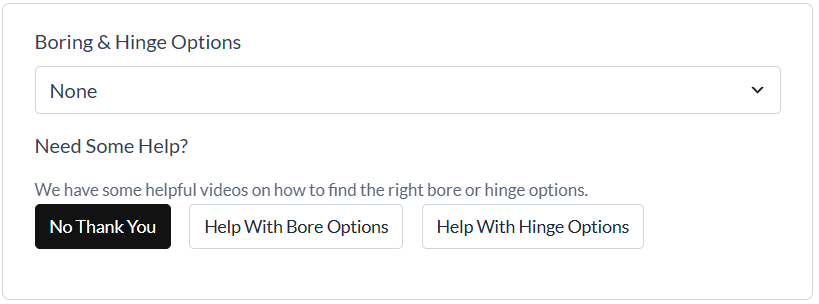
Select Boring and Hinge Options
Next, choose your hinge boring preferences. This step determines how your doors will be prepped for installation.
Note: For the best results, we recommend ordering your hinges through us. When you do, we bore your doors for free and ensure everything lines up perfectly. This removes
the guesswork and saves time during installation.
Step 7:
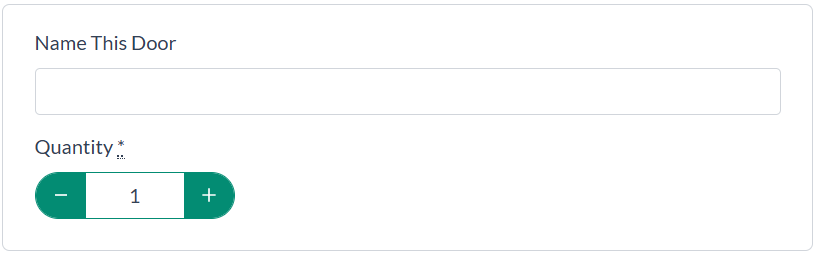
Name Your Door and Set Quantity
You can optionally name your door to keep your project organized, especially if you are ordering multiple sizes. Then set your quantity and add additional measurements if needed.
Note: This is especially helpful when ordering for multiple cabinets or rooms
Step 8:
Add Your Door to the Cart
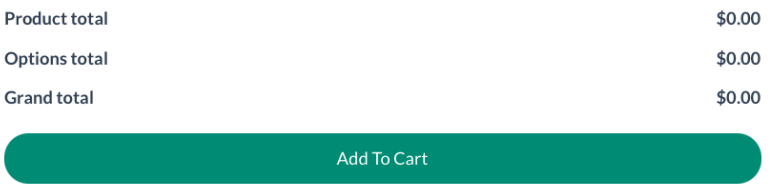
Once everything is selected, click “Add to Cart” to save your configuration.
Step 9:
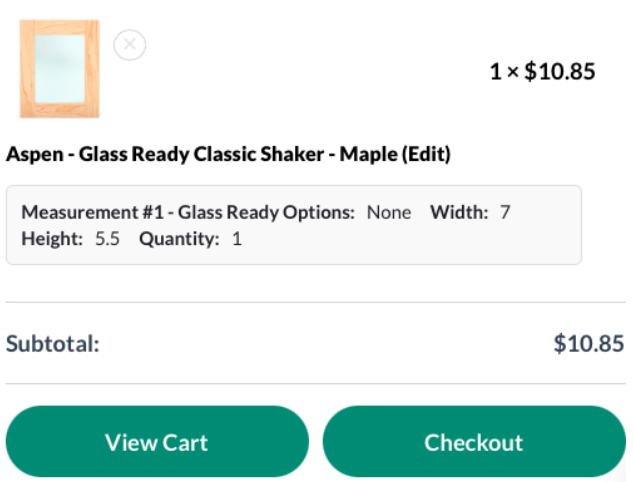
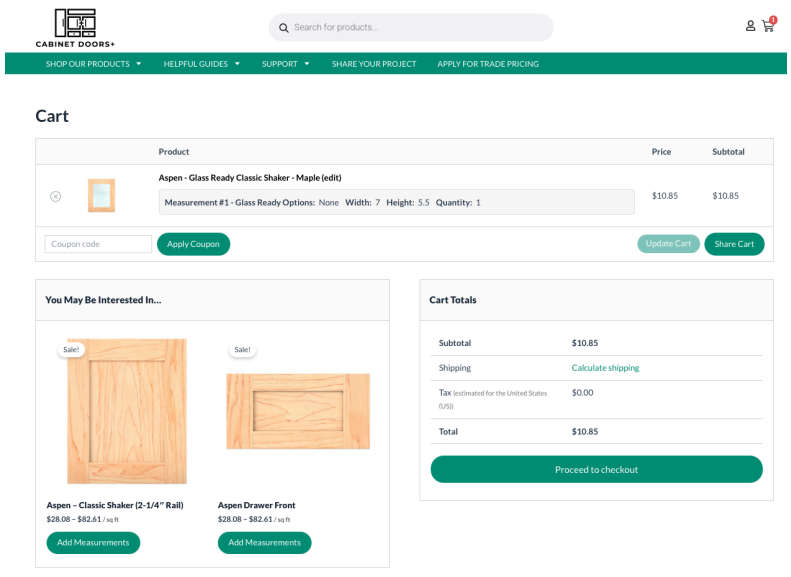
Review Your Cart
Before checking out, review your order to confirm your selections, measurements, and quantities are correct.
Note: Take a moment here to double check your measurements one last time.
Option A
Option B
Step 10 :
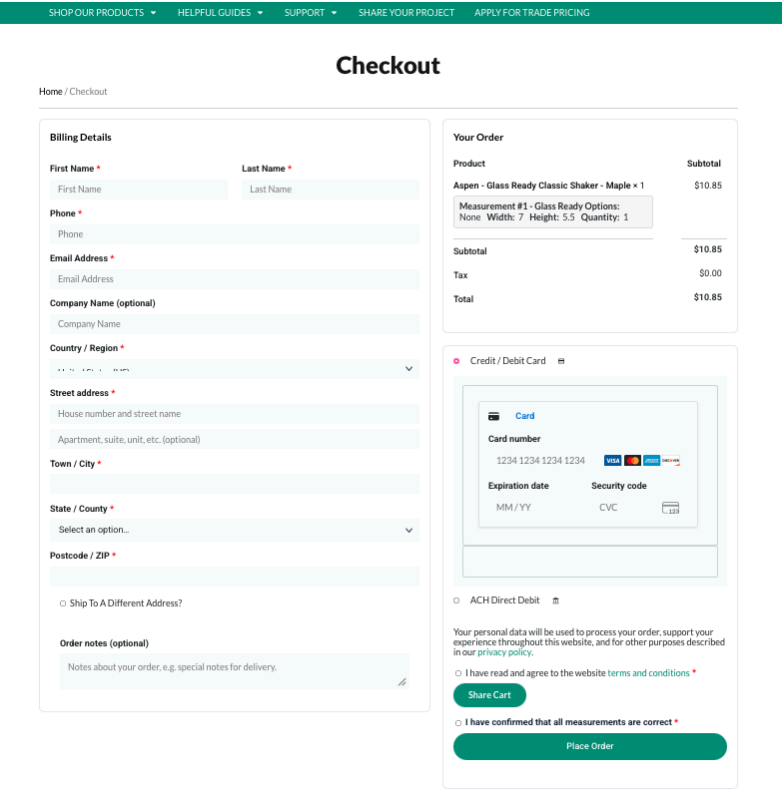
Complete Your Checkout
Enter your billing and shipping information, review your order summary, and submit your payment to place your order.
You will also confirm that your measurements are correct before completing your purchase.
Need Help Along the Way?
If you get stuck at any point, you are not on your own.
You will find helpful guides, measurement tools, and support options built directly into the product pages. If you still have questions, our team of experts is ready to help you make the right decisions for your project.